Mercantile Center Garage Reserve parking Online | Worcester ( MA )
Alerts - Expect traffic delays when exiting due to events at the DCU Center. We will not honor any online parking reservations purchased through Stub Hub.

Menu
Parking FAQs
Get answers to frequently asked questions about parking.
Frequently Asked Questions about Mercantile Center Parking
Browse the most frequently asked questions for Mercantile Center. If you don’t see your question below, please reach out to our parking team using our contact form.
1. What are the garage operating hours?
Mercantile Center Garage is open for parking 24/7.
2. How do I sign up for Monthly Parking? What is the monthly rate?
To sign up for monthly parking, please contact the garage office, located on the 2nd floor of the 100 Front Street Building — Access through courtyard or the bridge on level 5. Monthly parking rate is $180.00 per month and a monthly subscription fee will apply. There is a 30-day cancellation policy on monthly parking.
3. What if I have trouble entering or exiting the garage and no staff is on site?
If you need assistance, please call our Support number (844) 430-1230 or contact us using our contact form.
4. Which payment method can I use to enter Mercantile Center Garage?
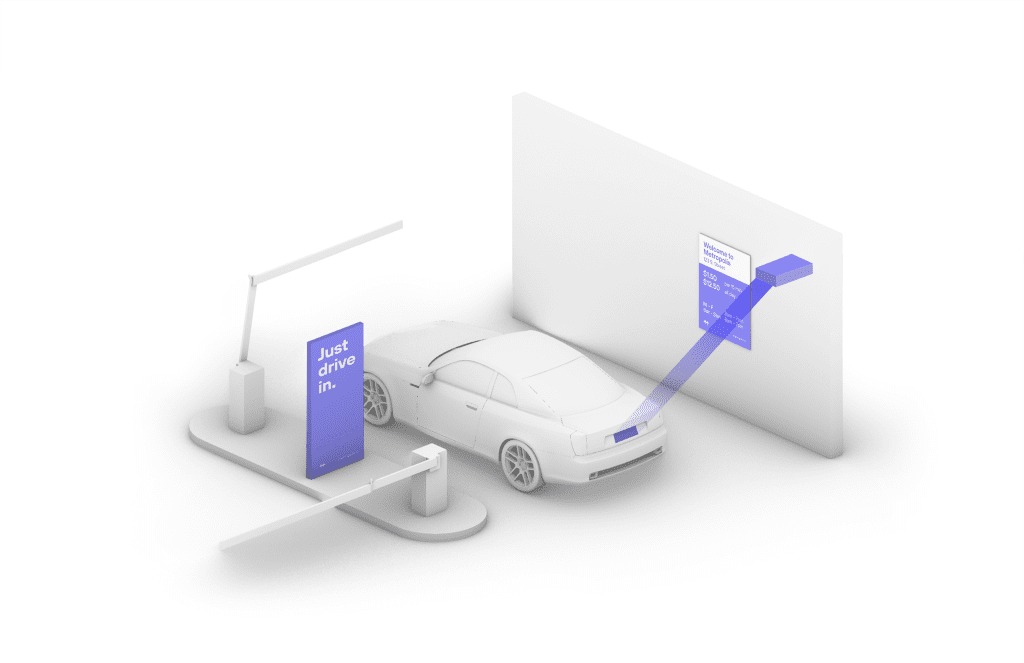
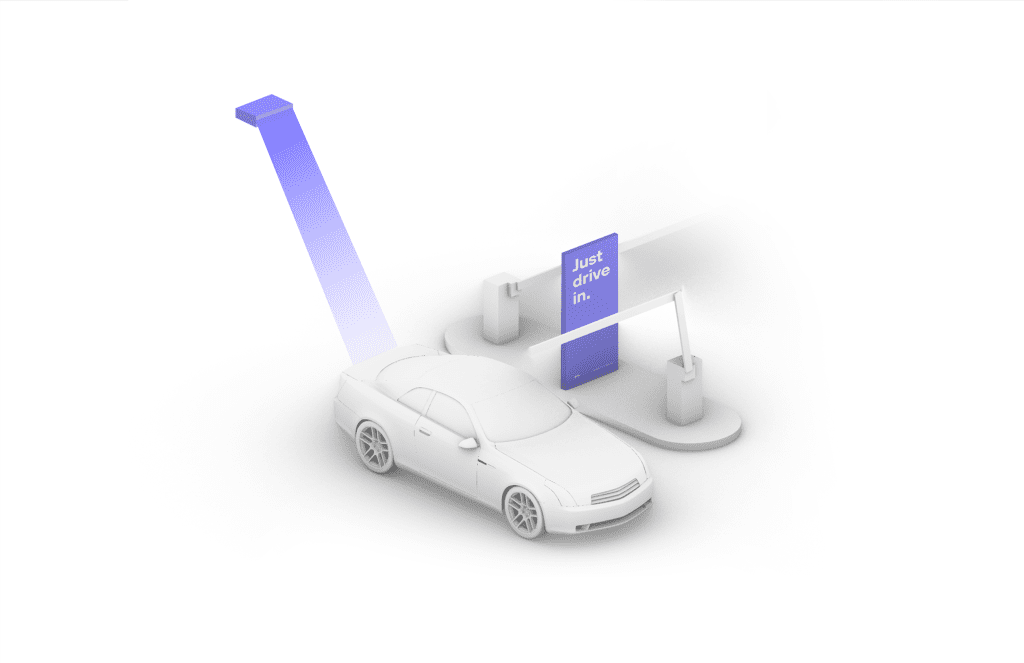
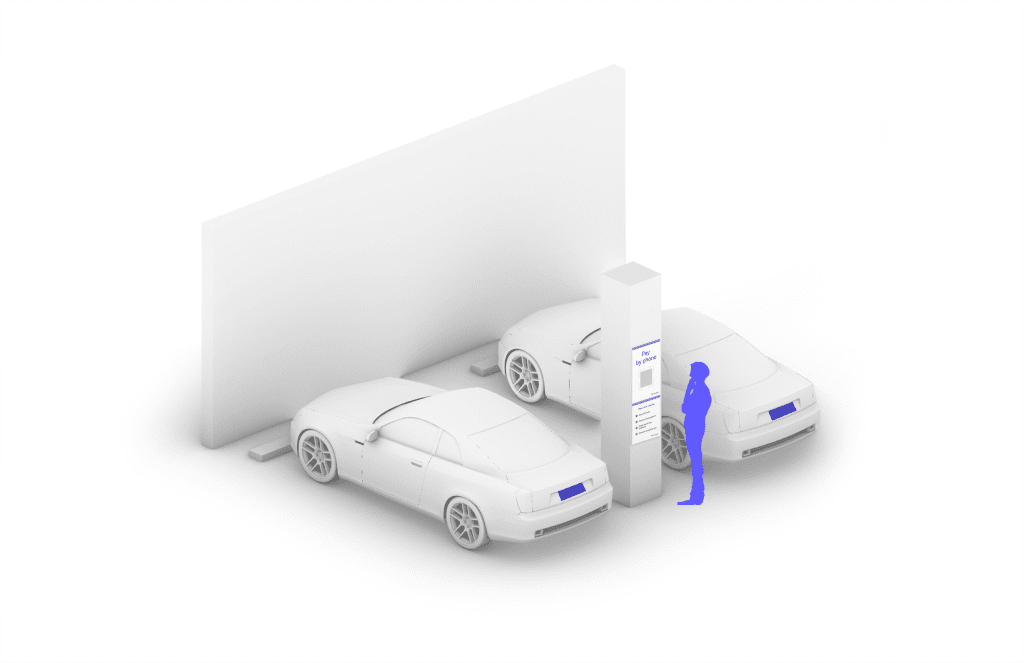
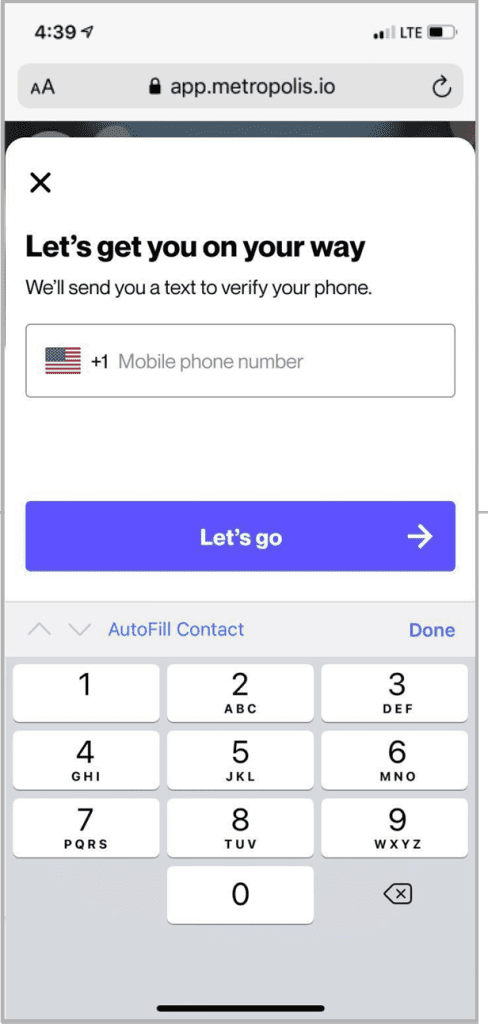
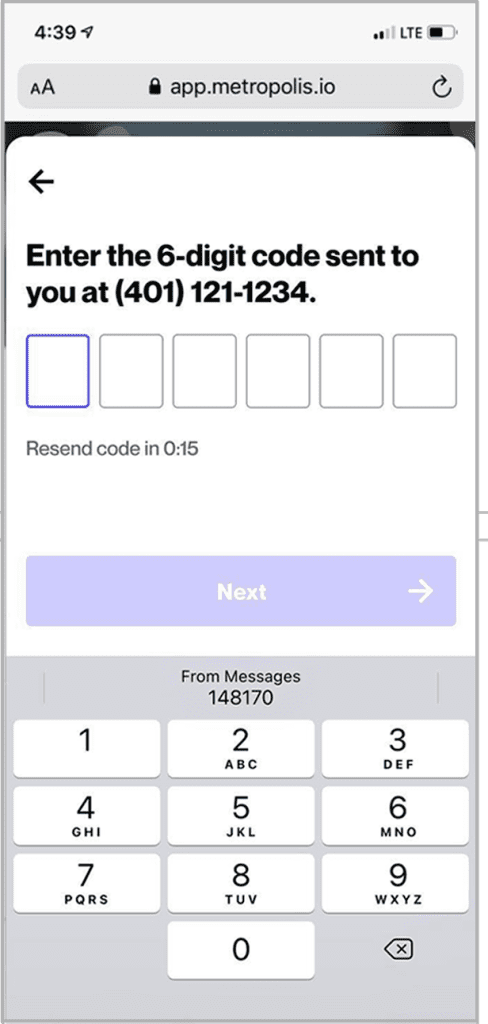
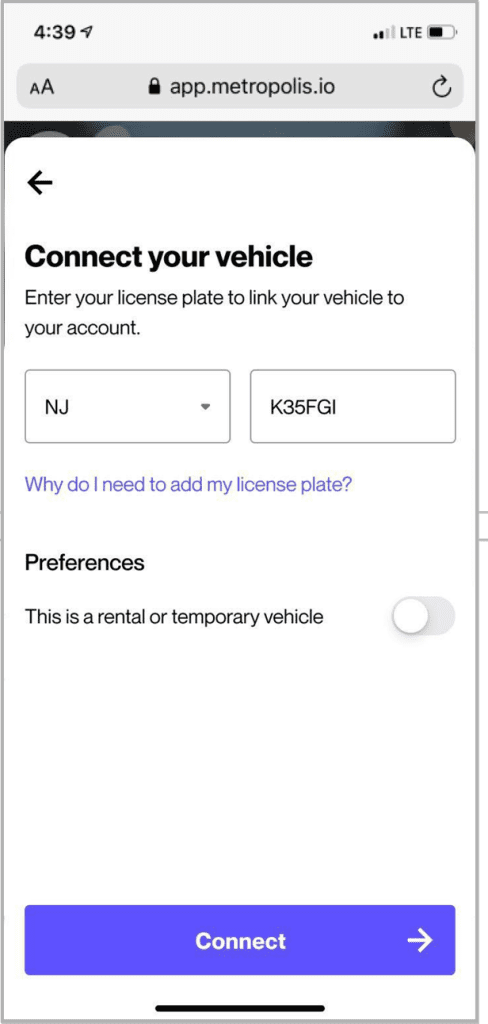
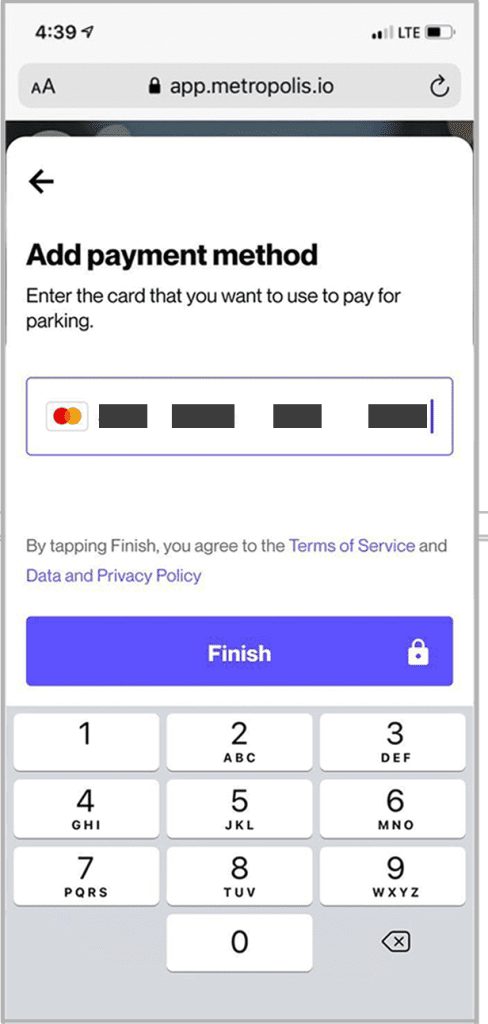
Mercantile Center Garage is powered by Metropolis. With Metropolis, quickly link your vehicle to a credit card and you can just drive in and drive out – we’ll text you your receipt. You can create an account in advance of your visit here: metropolis.io/join
5. Is there a customer service number or email?
Yes, you can reach Mercantile Center Garage Office during our office hours.
Office Hours: Monday - Friday from 8 a.m. to 4 p.m.
Phone: 844.430.1230
Office Email/Customer Service: Contact us using our contact form.
6. Is Mercantile Center Garage a self-park or a valet garage?
Currently, the Mercantile Center Garage is a self-park garage.
7. Are there any charging stations in the Mercantile Center Garage?
There are currently two EV charging stations Located on the third level of the garage to the right of the Commercial Street entrance.
8. Is re-entry allowed into the garage?
Each time a customer leaves and re-enters the garage they will be charged the proper rate for the duration of their stay.
9. What if I am not going to an event but I park in the garage?
All posted rates are in effect either the daily rate or event rate.